God’s Blessing Market Understanding
Explore market concepts and price structure to build context for your own chart analysis.
A private TradingView charting framework for market traders who want more structure on screen—and more discipline in their decisions.
Keep the market in view with a TradingView chart for XAUUSD. The feed and available data may vary by symbol provider, region, and TradingView plan.
TradingView is an independent charting platform. Market data may be delayed or subject to the provider's terms.
Explore two focused learning resources: a market guide and the DA ONE PERCENT Trading Blueprint, with weekly analysis to bring key trends and price levels into focus.
Explore market concepts and price structure to build context for your own chart analysis.
Stay ahead of the markets with our expert-led weekly market analysis sessions, designed to identify high-probability trading opportunities, break down key market trends, and highlight crucial price levels. Gain valuable insights into market movements, refine your trading decisions, and approach every trading week with greater clarity, confidence, and a well-defined strategy.
The Pine Script stays private. View the live TradingView chart below; after access is granted, your authorised script will appear in your TradingView account.
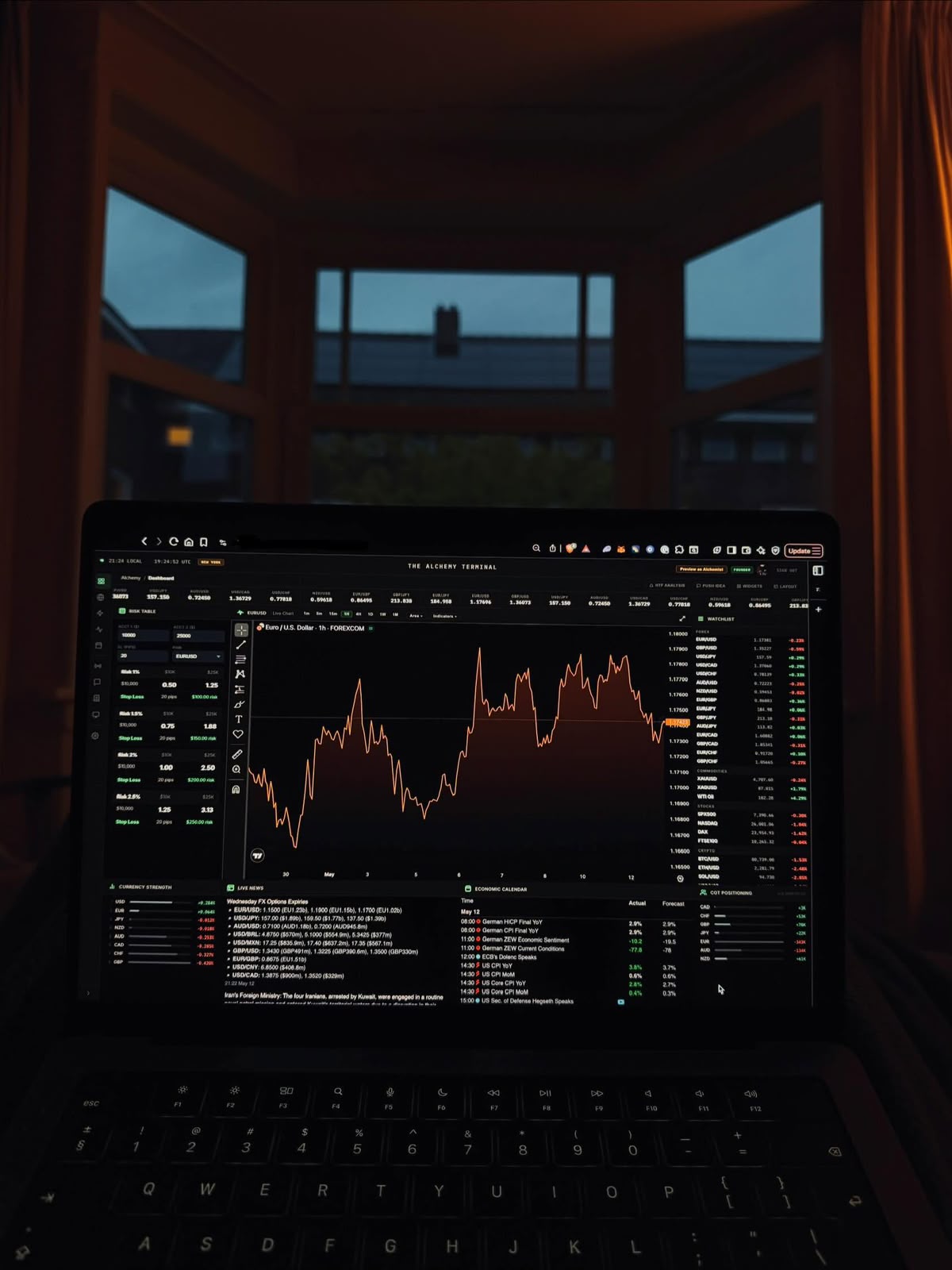
The God's Blessing is presented as a private indicator for TradingView. It can help organise a chart; it cannot remove market risk or make decisions for you.
The standard TradingView chart is live. The private indicator overlay is not applied to this public preview.

Trading is built on preparation, chart review, and measured risk—not on the setting around you. Use the indicator as a visual tool, then make decisions against your own plan.
See how access worksA straightforward, manual flow keeps your Pine Script private and ensures the correct TradingView account receives access.
Choose a planChoose 1-, 3-, or 6-month indicator access, Mentorship Guidance, or one-month Inner Circle membership, then enter your contact details and exact TradingView username. Never share your password.
Scan the supplied QR code or use the displayed UPI ID. Confirm the recipient and amount in your payment app before paying.
After you pay, enter the UPI ID you paid from and the UPI transaction ID. The WhatsApp button stays disabled until both details are filled in.
The button opens a chat with your details pre-filled. Review and send the message; the owner can verify payment and share any applicable access or community details.
Choose 1, 3, or 6 months of indicator access. Prices are in INR; access is granted manually after payment is verified.
Try the complete indicator workflow for one month.
Access is subject to manual verification and TradingView account compatibility.
A longer window to learn the tool and build a repeatable review habit.
Access is subject to manual verification and TradingView account compatibility.
Extended access for traders who want more time to study their process.
Access is subject to manual verification and TradingView account compatibility.
Before you pay: confirm your TradingView username, the UPI recipient, access activation timing, and the owner's refund and renewal terms. Payments are not processed or verified automatically on this website.
Choose Mentorship Guidance or one month in the Inner Circle. Prices are listed in INR.
Get Mentorship Guidance access for ₹25,000.
Membership activation follows manual payment verification.
Join the Inner Circle for one month at ₹7,999.
Membership activation follows manual payment verification.
Before you pay: verify the UPI recipient and amount in your payment app. After payment, enter your UPI ID and transaction ID to open a WhatsApp confirmation chat.
Need a detail before paying? Contact the owner before choosing a plan.
Contact the ownerIt is a private TradingView Pine Script charting tool intended for Market. It helps organise selected chart information; it is not a broker, automated trading system, or personalised financial advice.
Enter your contact details, pay using the supplied QR or UPI ID, then enter the UPI ID you paid from and the UPI transaction ID. The WhatsApp button opens a pre-filled message for you to review and send. The owner verifies payment and shares applicable access details manually. Never share a password.
The indicator is designed around Market, but symbol names and feeds differ between providers. A TradingView account is required. Check the script's current compatibility and your account limits with the owner before paying.
Group details are shared by the owner after manual payment verification. TradingView access and group admission are handled by the owner; the website does not add members automatically.
Please confirm access duration, cancellation, renewal, and refund terms with the owner before paying.
Confirm platform access, payment instructions, and terms before you choose a plan.
Contact details are not available right now. Please try again later.